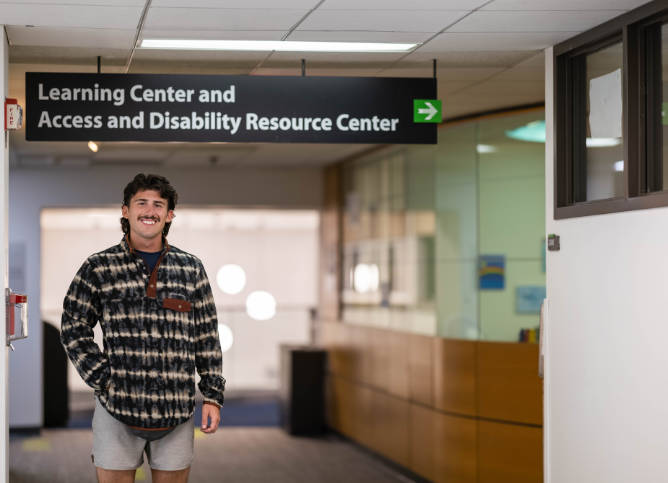
The Access and Disability Resource Center Office at Oakton has a mission to maintain an accessible environment by providing reasonable accommodations and services, provide appropriate support based on each individual's documentation and circumstances, encourage students to be self-advocates, and comply with the Rehabilitation Act of 1973, the Americans with Disabilities Act of 1990, and other relevant legislation to promote access to classes and activities at Oakton College.
The Access and Disability Resource Center values diversity and equity. We are committed to a climate of mutual respect and full participation by providing an equitable experience for all students and community members.
The ADRC department embraces disability as a part of diversity. The ADRC, in collaboration with other areas of the College, creates an environment that supports all students' inclusion, engagement, and learning through resource allocation, curriculum development, inclusive policies and procedures, and ongoing support.
We strive to provide appropriate support based on each individual’s needs and encourage students to be self-advocates.